How I run 100+ Google Ads accounts by myself: the full system
Stephan Ochse ·
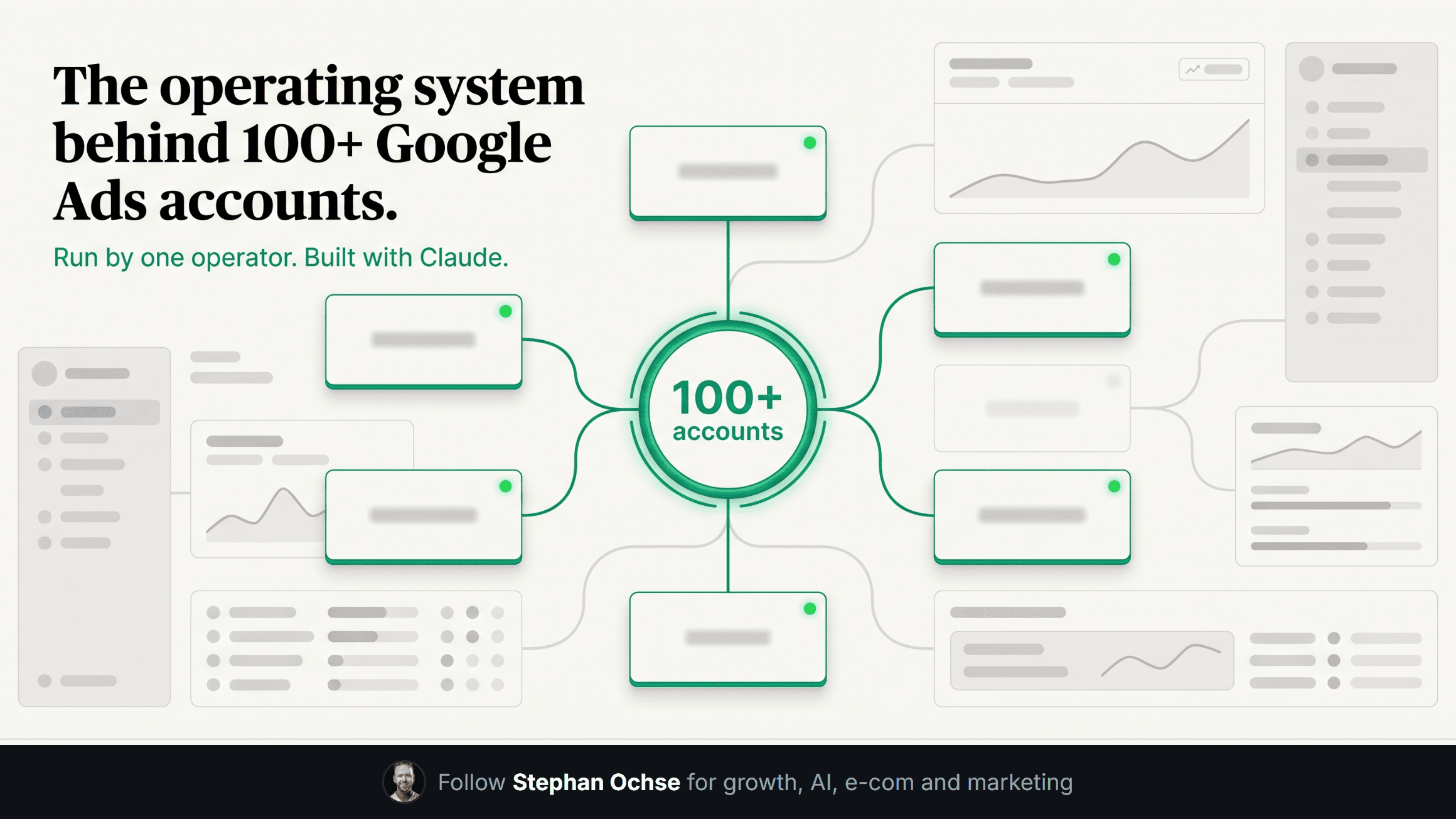
Monday, 7am. I open one screen and see the health of every account I run. Over 100 of them, anywhere from $300k to $2.5M moving through them in a given month. Three years ago that took a team of six people and a standing Tuesday call. Now it takes me, a laptop, and a stack of Claude skills that read spend reports before I've had coffee.
This edition is the real system, not the highlight reel. What a "skill" is in plain terms, the weekly rhythm that keeps 100-plus accounts from drifting, what got automated, and the one job I will never hand off no matter how good the model gets.
**What a skill is**
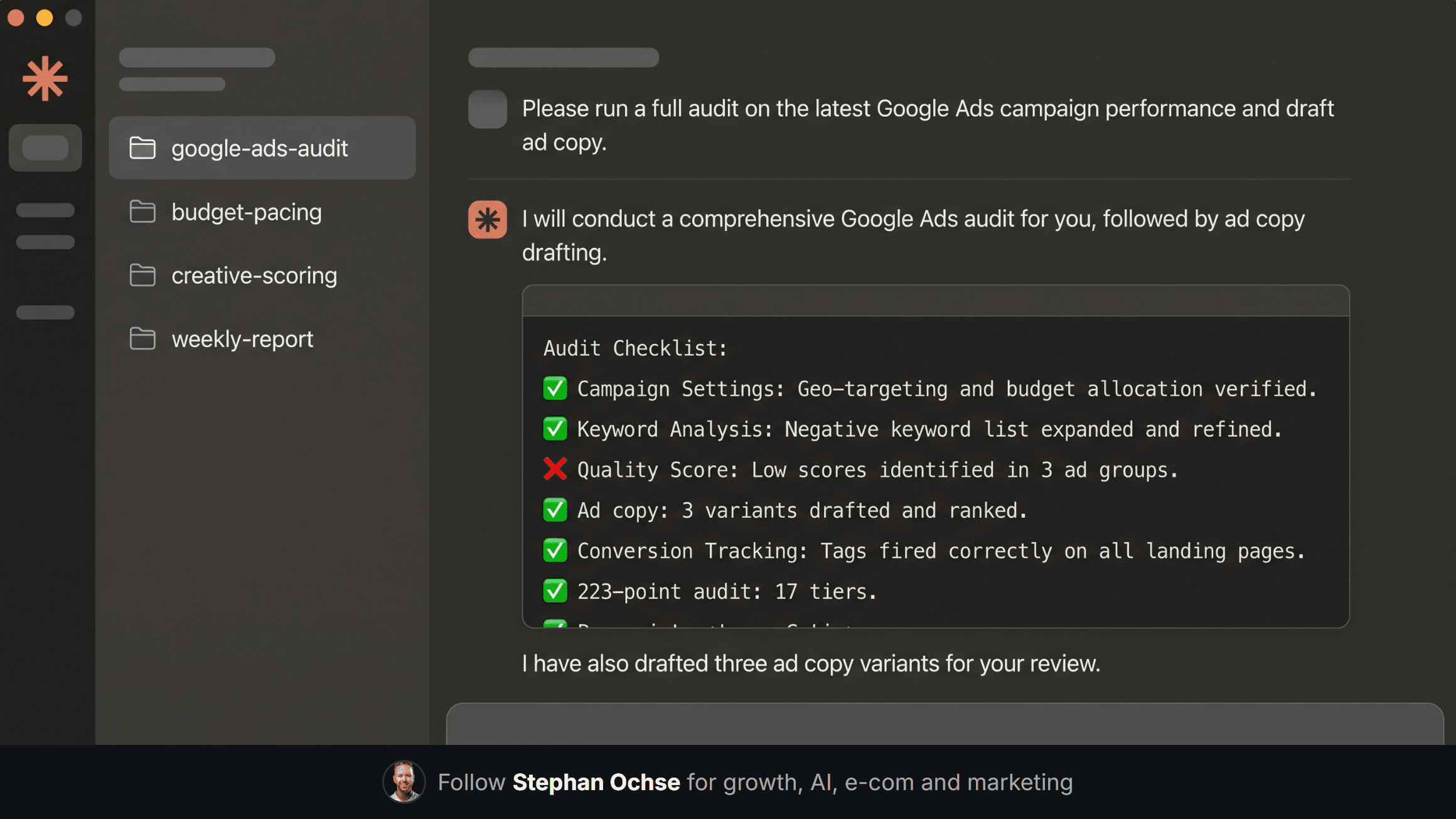
A skill isn't a plugin and it isn't magic. It's a folder of instructions, the same folder every time, that tells Claude exactly how I want a job done. What "wasted spend" means in my accounts. What a real audit checks, tier by tier. What format a client report takes before it goes out. Once I write it, I never explain it again.
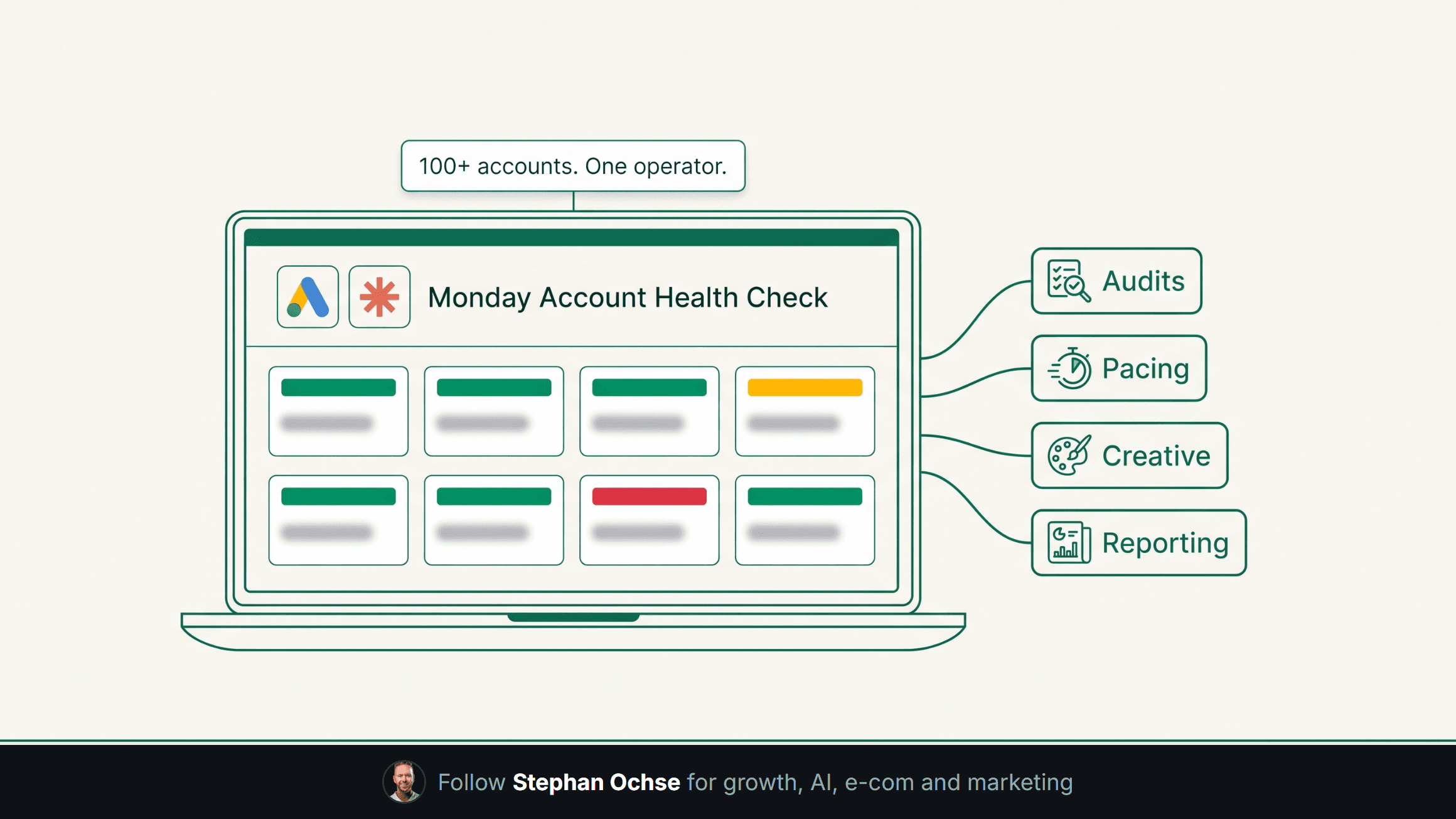
Think of it as onboarding one new hire, one time, except that hire never forgets the process and runs the same checklist on account four as it does on account ninety.
[IMAGE-1: Hyper-realistic screenshot of the Claude desktop app mid-conversation, dark mode UI, left sidebar showing a list of named "skills" (google-ads-audit, budget-pacing, creative-scoring, weekly-report), main chat pane showing Claude running a structured audit against a Google Ads account with a checklist of pass/fail line items streaming in, monospace terminal-style output visible in a code block within the chat]
**Monday: the audit**
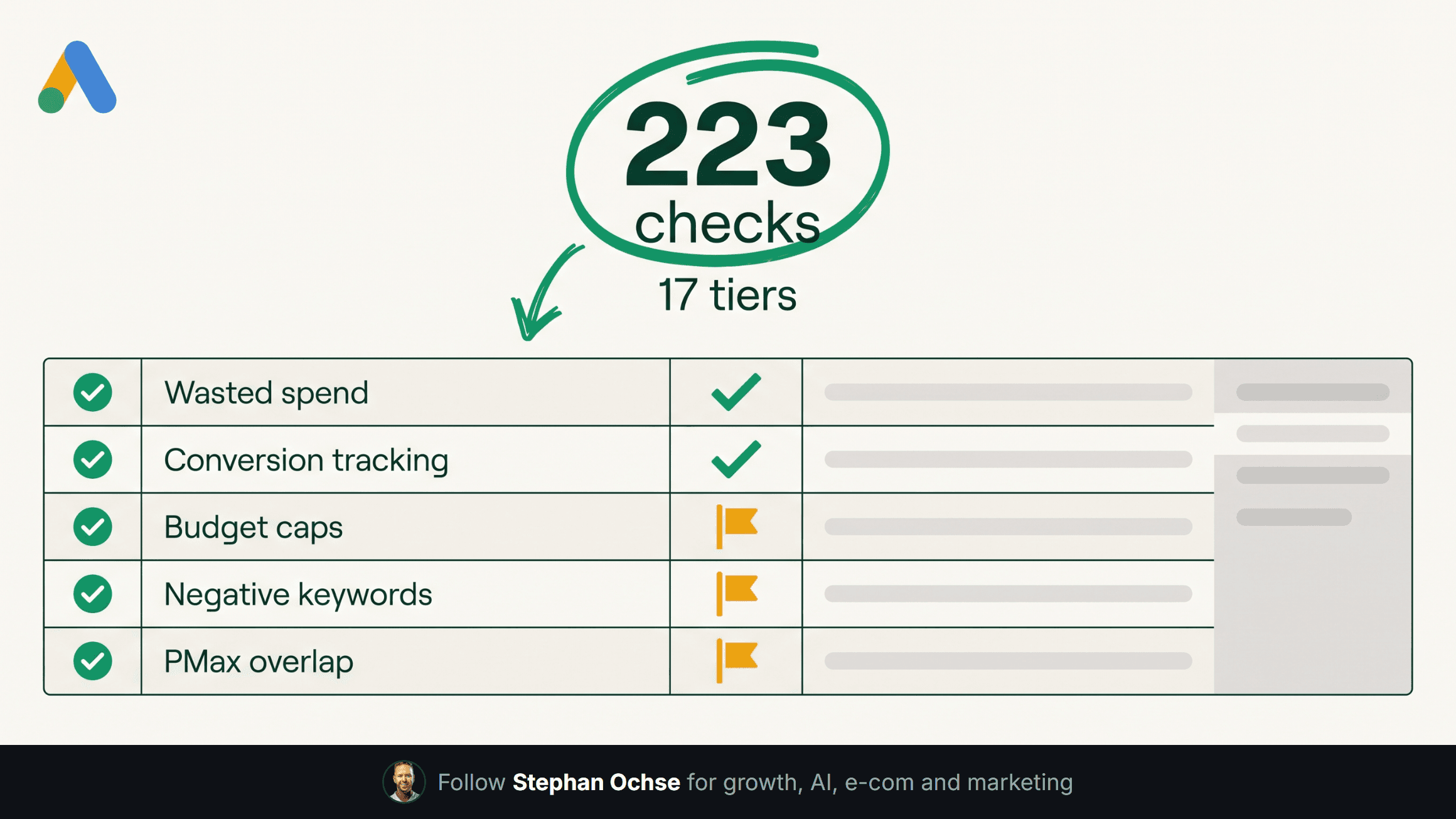
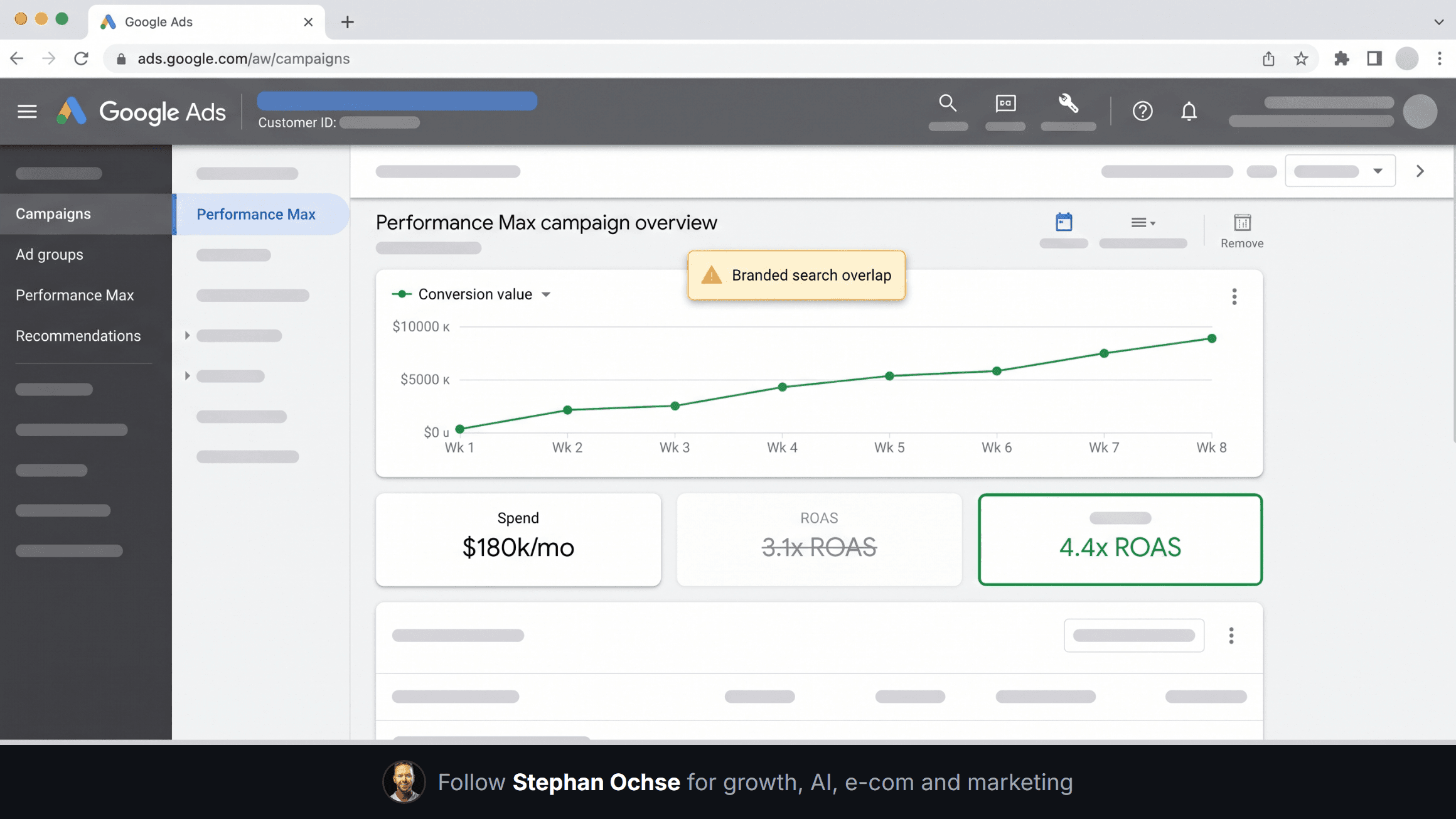
Every account gets a 223-point check across 17 tiers before the week starts. Wasted spend by campaign type, broken conversion tracking, budget caps throttling a winning campaign without anyone noticing, negative keyword gaps, Performance Max cannibalizing branded search. All of it scored on conversions and ROAS by conversion time, never click time. Click-time numbers lie to you about what happened.
This used to be a Monday I dreaded. Six people, six spreadsheets, and half the findings buried in someone's notes by Wednesday. Now the audit runs before I'm at my desk and flags exactly which accounts need me, not which accounts need a rubber stamp.
**Tuesday and Wednesday: pacing and creative**
I check budget pacing against a simple band. An account drifting more than a set threshold off its monthly pace gets flagged, whether it's overspending toward month-end or sitting on unspent budget. Creative testing runs on a fixed cadence, a handful of new variations per account per week, and I score every variation on ROAS, not click-through rate. CTR looks great and pays for nothing.
One real example: an 8-figure supplement brand came in running about $180k a month through Performance Max, sitting at a 3.1x ROAS the account owner thought was fine. The audit flagged that a big chunk of that "PMax performance" was branded search demand the brand already owned organically, relabeled as a PMax win. We reallocated the branded spend out, redirected the freed budget into prospecting, and the account settled at 4.4x within a few weeks on the same total spend. Nobody worked harder. The audit refused to let a vanity number hide the real one.
[IMAGE-2: Hyper-realistic screenshot of the Google Ads web UI, real Google Ads logo top-left, left navigation showing Campaigns, Ad groups, Performance Max, Recommendations, main panel showing a Performance Max campaign overview with a conversion value chart trending upward, a small callout box highlighting "branded search overlap" in a warning-yellow color, account name and customer ID visibly blurred out with a gaussian blur bar]
**Thursday: reporting**
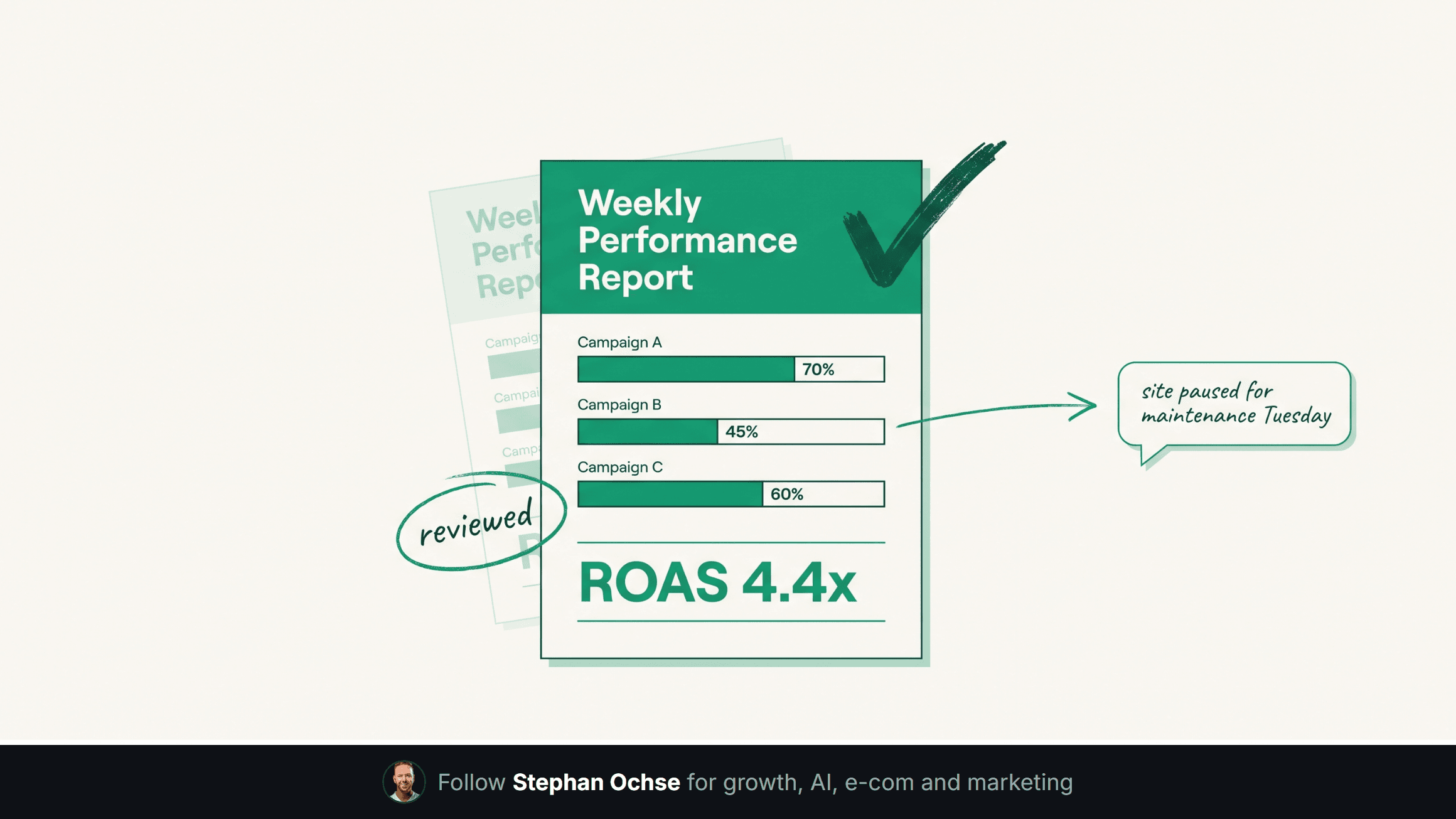
The system generates a report for every account, in the client's own format, built off the week's real numbers, not a template with the blanks filled in. I still read every one before it goes out. That's not optional. A model can write a clean paragraph about a number it doesn't understand the context behind. I know why an account dipped on a Tuesday because a client paused their own site for maintenance. The report needs that context or it reads as either alarmist or dishonest.
**What stays human**
The skill runs the checklist. It does not decide the strategy. Which accounts get my direct attention this week, when to override a flag because I know something the data doesn't, what to say to a client whose account had a rough month, whether to push a client toward a bigger swing or hold steady through a slow season. I don't automate any of that, and I'm not trying to. The system's entire job is buying back the hours I used to spend on checklists so I can spend them on the decisions that move an account.
[IMAGE-3: Dense hyper-realistic system architecture diagram on a dark navy canvas, a single hub card at the top labeled "Operator (Stephan)", curved color-coded connector lines branching into four vertical columns labeled Audits, Budget Pacing, Creative Testing, Reporting, each column stacking four to five small step cards naming exact tools (Claude Skills, Google Ads API, Supabase, scheduled scripts), clean sans-serif labels, icon badges at the top of each column, off-white text on dark background]
**Friday**
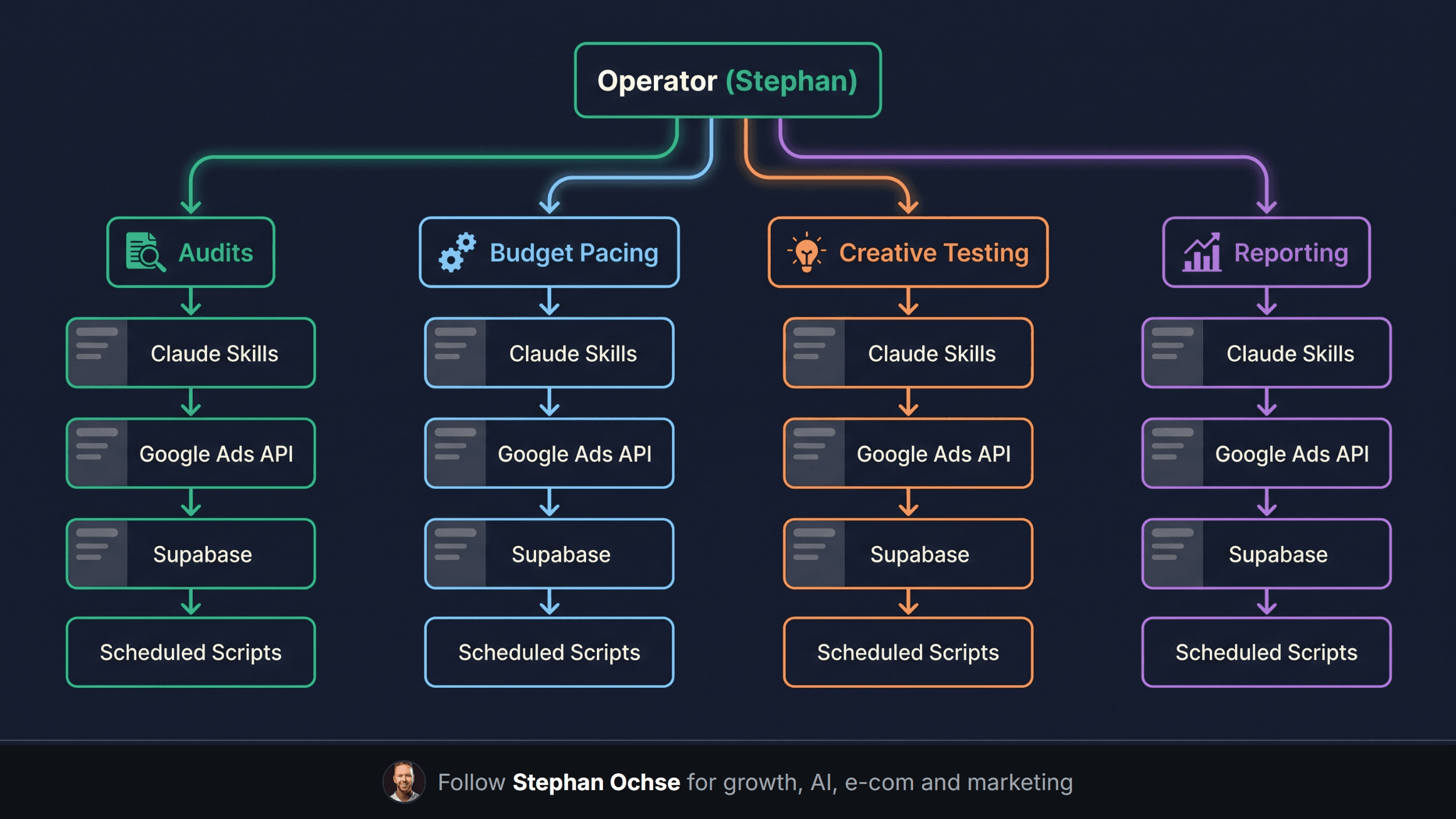
Friday is exceptions and real conversations. I give every account the week's system flagged a real look, and every client who needs to hear something gets a call, not an auto-generated email. That's the whole point of building the system in the first place: make sure the operator spends time on the parts of the job that need a person, not on the checklist.
Next edition, I'm breaking down exactly how the audit catches wasted Performance Max spend line by line, the checks most agencies skip entirely. If there's a piece of this system you want opened up first, reply and tell me. I read every one.