Any agency can fake an 8.2x ROAS. Five questions catch it in one call.
Stephan Ochse ·
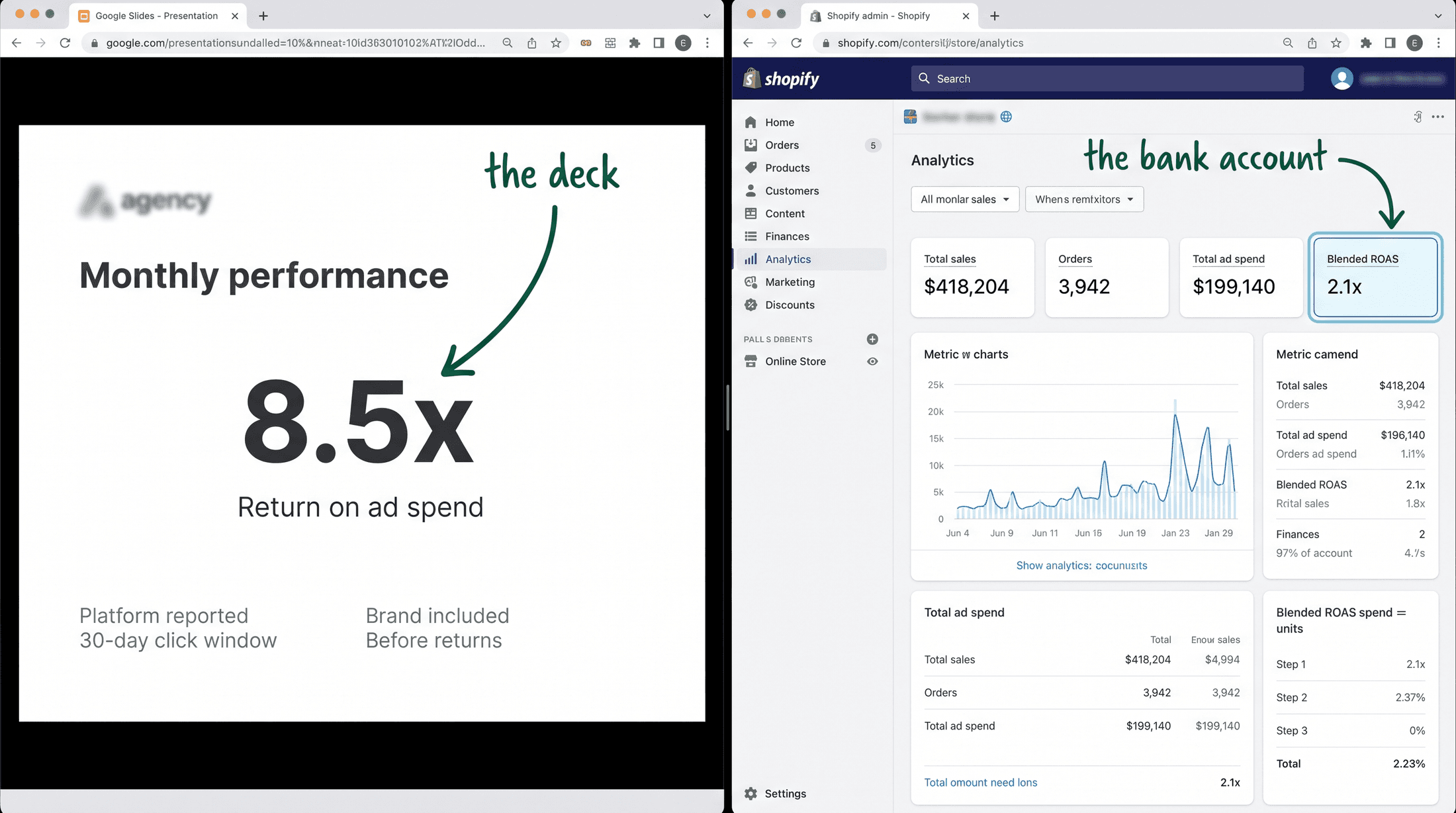
A founder forwarded me a slide at 11pm on a Tuesday. 8.2x ROAS, a green arrow pointing up like a rocket, another agency's logo tucked in the corner. He wanted to know if the number was good.
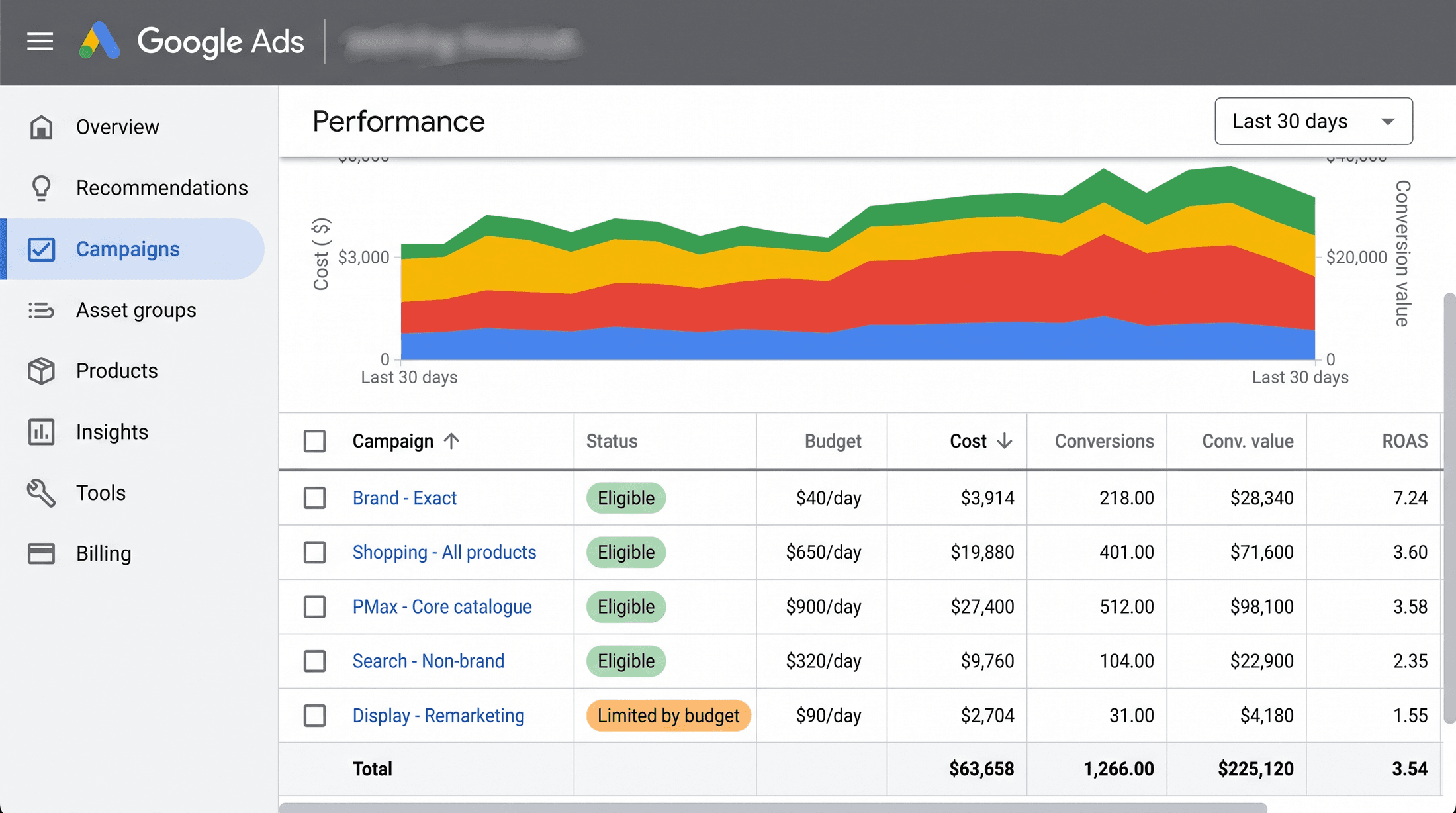
I pulled the same Google Ads account the next morning. Flipped the report to conversion time. Stripped out brand search. The real number was 2.1x. Same account, same month, same spend.
The 8.2 was the deck. The 2.1 was the business.
And he'd already signed. Six months into a twelve-month contract, against a number that was mostly makeup.
[IMAGE-1: side-by-side comparison, a glossy agency pitch slide reading "8.2x ROAS" with a big green up-arrow, next to a real Google Ads reporting screen switched to conversion time showing 2.1x, client name blurred]
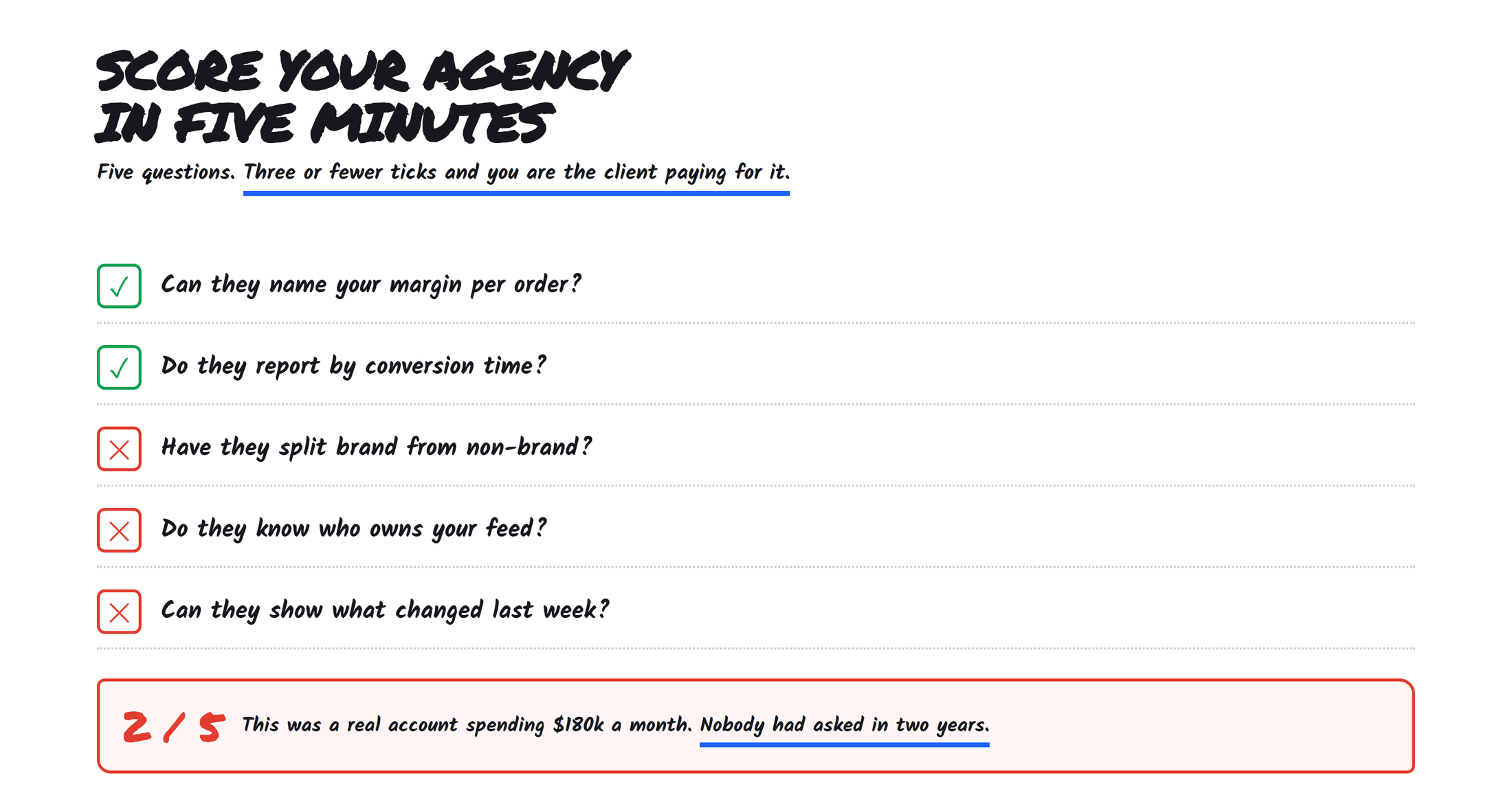
You don't need to understand Google Ads to catch a bad agency. You need five questions.
None of them make you open the platform. None of them need you to know what a tROAS target is or how Performance Max splits a budget. Each one tests the same thing. Will this agency show you the account the way it runs, or the version they built for the pitch?
I run 100+ Google Ads accounts between $300k and $2.5M a month in spend, and I've inherited a pile of them from another agency. The broken ones failed the same five questions on day one. Here they are, in the order I'd ask them. Steal the list.
→ Is your ROAS on click time or conversion time?
Start here, because this one decides whether every other number they show you is real.
Google Ads has two ways to count a sale. Click time books the revenue on the day someone clicked the ad. Conversion time books it on the day the money landed. Sounds like a rounding detail. It isn't.
Picture a store where people click today and buy nine days later. On click-time reporting, that sale gets backdated onto today. So when an agency pulls "last month" a week after it ends, the number is still climbing, because delayed conversions keep dropping into dates that already passed. That's not performance. That's the attribution window filling in.
A polished agency reports on click time and lets the backfill make them look like a genius. It's the platform default, so nobody has to lie.
The honest read is conversion time, on a window old enough to be done filling in. Same account, click time said 8.2x. Conversion time said the truth.
Here's how you check it without asking a soul. In Google Ads, the columns for "Conversions" and "Conv. value" run on click time by default. There's a second set sitting right there, "Conversions (by conv. time)" and "Conv. value (by conv. time)." Add those, or push the date range back far enough, and watch the number move. If it drops hard, you found the makeup.
Ask which one their report runs on. A good agency says conversion time and keeps talking. A bad one gives you a half-second pause, and that pause is the whole answer. They're grading their own homework with the answer key open.
[IMAGE-2: a real Google Ads "modify columns" panel open, the two conversion column sets visible, "Conversions" versus "Conv. value (by conv. time)", with the conversion-time checkboxes being ticked]
→ Show me the search terms report. Live, on this call.
Not a slide. Not an export they promise to email over after. The live report, screen-shared, while you both watch.
Quick translation. Keywords are what the agency tells Google to bid on. Search terms are what real humans typed to trigger your ad. Those two lists are never the same, and the gap between them is where budget goes to die.
On a store selling $200 leather bags, a messy account's search terms read like this: "how to clean a leather bag," "leather bag repair near me," "cheap fake leather," "leather bag factory jobs." Every one is a click you paid for. None was going to buy a $200 bag. That's broad match with no minder, and Performance Max doing the same thing one layer down where you can't see it.
The search terms report is the receipt. It shows you, line by line, what your money bought. A clean account opens it in four seconds and sorts by cost, worst first. A messy one goes quiet, then needs to "pull that together and send it across," because the live version is full of junk they don't want you reading over their shoulder.
While it's open, do two things. Sort by cost, top down, and for each of the top 20 ask: would I pay for that click? Then ask to see the negative keyword list. A maintained account has a long one, because someone reads the search terms every week and blocks the garbage. An empty negatives list next to a busy report means nobody has been driving.
[IMAGE-3: a live, screen-shared Google Ads search terms report sorted by cost descending, several junk queries highlighted in red, brand name blurred, a near-empty negative keyword list visible in a side panel]
→ What did brand search cost me last month?
Brand campaigns bid on your own name. They catch people who already typed your store into Google. Buyers who were coming anyway.
This is the favorite trick, because brand traffic is a cheat code. The person already knows you, so the click is cheap and the sale is near guaranteed. Brand ROAS comes back 15x, 20x, sometimes higher. Blend it into the account average and the whole thing glows, while the non-brand engine that finds new customers sits underwater at 1.4x and you never see it.
Some brand spend is defensible. If a competitor is bidding on your name, a little brand defense keeps them off your customer. Fine. The problem is hiding it inside a blended number with no label, so demand you already own gets dressed up as demand they created.
In that founder's account, brand was $7.4k of the month, tucked inside the blended ROAS with no tag on it. Pull it out and the real acquisition number was less than half of what the deck claimed.
Check it yourself in about a minute. Open the search terms report, filter for your brand name and the obvious misspellings, and add up the cost and conversions sitting on those terms. That's your brand ROAS. Lift it out of the total in your head, and what's left is the number your business runs on, the non-brand engine that finds new customers. A straight number here means they know the difference between catching demand and creating it. A vague one means the blend is doing the work they'd rather you didn't check.
→ When did you last touch the feed or the tracking?
They never see this one coming from an owner, and that's the reason it works.
Half the Google Ads accounts I've watched stop working didn't break in the ads. They broke upstream, a step back from the campaign, where the media buyer never looks.
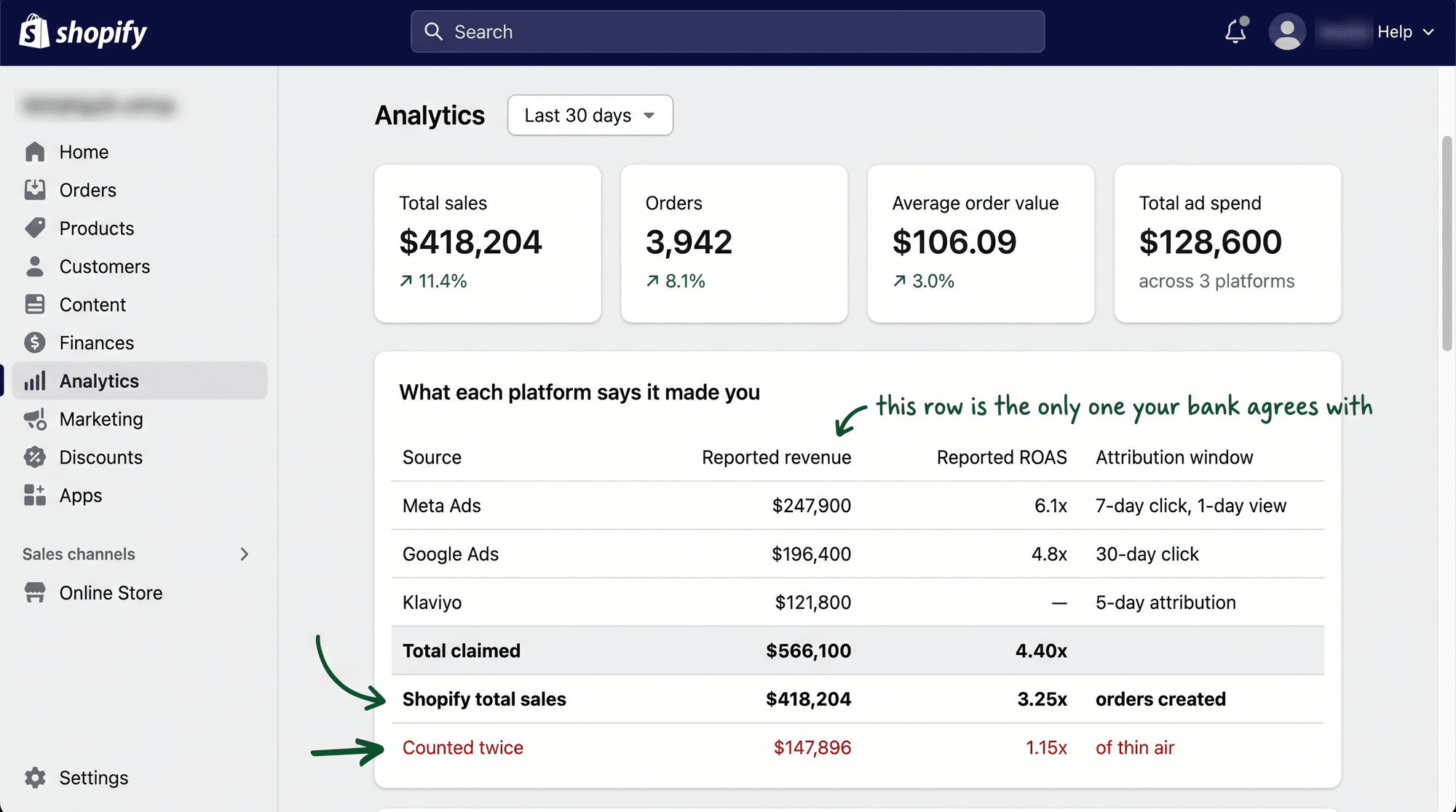
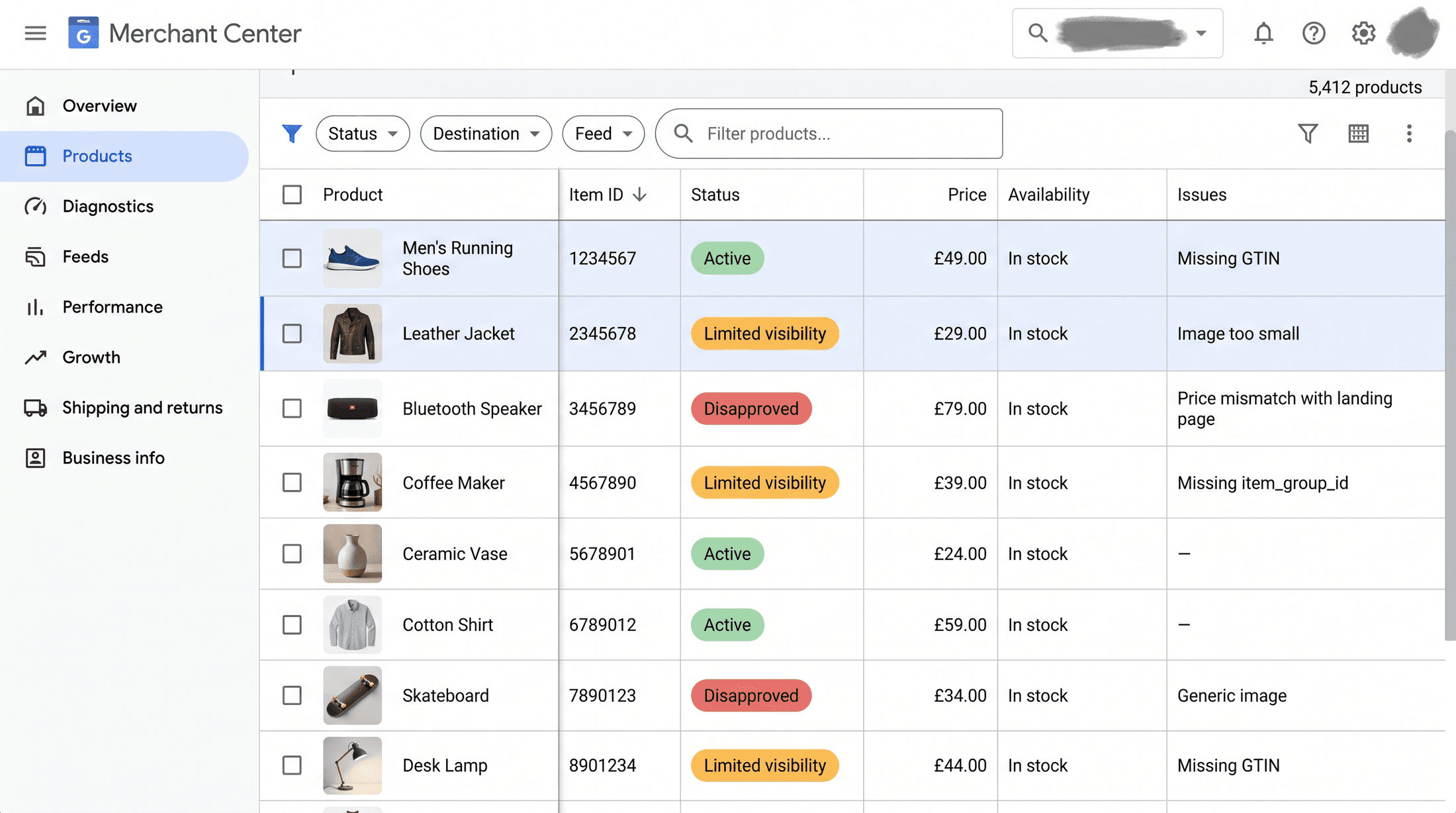
Two places. The Merchant Center feed, and the conversion tracking. The feed is the product catalog Google reads to run your Shopping and Performance Max ads. Drop a product ID, break a title, let the price on the feed drift out of sync with the price on the site, and Google disapproves the product. A disapproved product can't serve at any bid. It's not losing the auction, it's not in the auction. No bid change brings it back, because eligibility comes before bidding, every single time.
The tracking is the meaner of the two, because it breaks without a sound. Your purchase conversion tag is what tells Google a sale happened. A Shopify theme update, a checkout migration, a consent banner change, a developer clearing out an old tag, any of those can stop the tag firing. When that happens the reported ROAS goes blind, and smart bidding flies with the instruments unplugged. Sometimes it craters, sometimes it inflates, because now three pixels all claim the same sale.
An agency that only ever touches campaigns is treating the symptom and billing you every month for it. Ask when they last opened Merchant Center. Ask when they last checked the conversion tag was still recording. In Google Ads that's a real screen, Tools, then Conversions, and every action shows a status and a last-recorded date. "Recording conversions" is what you want to see. "No recent conversions" on your main purchase action is a fire, and if nobody on their side knows that screen exists, you found your leak.
[IMAGE-4: two stacked real screens, Merchant Center Diagnostics showing a block of disapproved products, and the Google Ads Conversions table with the main "Purchase" action flagged "No recent conversions," last recorded 23 days ago]
→ Who works on my account? A name.
Not "our team." Not "your pod." A human name, and how many other accounts that person carries.
This is where you find out if you hired an agency or joined a queue. Agencies scale by stacking accounts on people. The question is how high the stack goes. Twelve accounts on one manager, fine, that person knows your business. Forty, and you're a line item that gets attention the week something is already on fire, because that's the only week there's time.
Load is the tell nobody volunteers. A manager on forty accounts isn't optimizing anything, they're triaging. Your account gets a real look when a number breaks badly enough to surface. The rest of the time it runs on autopilot with a glance once a quarter.
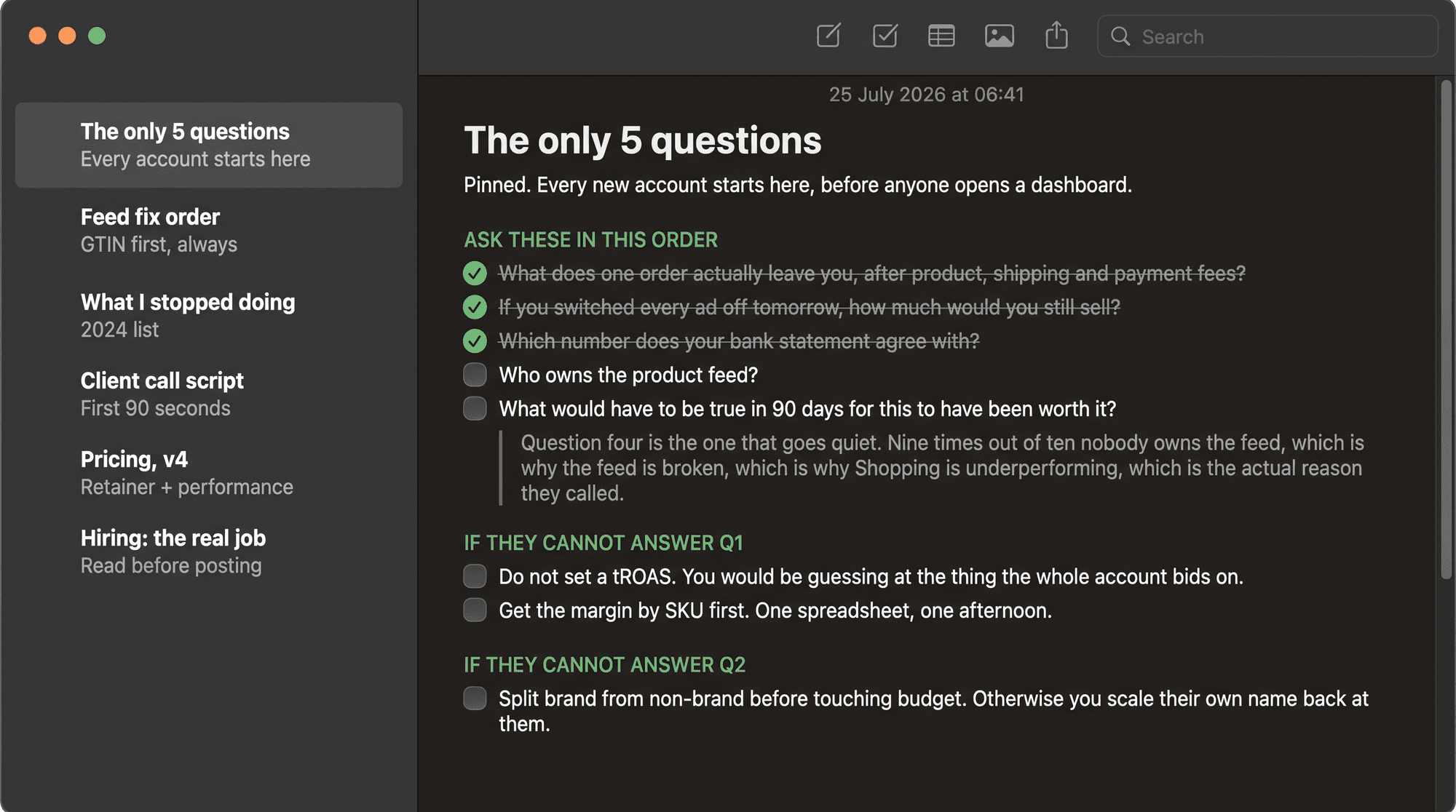
And know the difference between who pitched you and who runs it. The sharp person on the sales call is almost never the one in your account at 2pm on a Wednesday. Ask who manages it day to day, by name, and ask if you can talk to them directly. If that request gets awkward, the answer is a pod, and the name doesn't exist.
[IMAGE-5: a clean org-style diagram, one "account manager" node wired to 40 tiny account tiles under a red "40" badge, beside a healthy version wired to 12 tiles under a green badge]
That's the list. Ten minutes, one call, zero platform knowledge.
Notice what none of them test. Not one asks whether the agency is smart. Skill you can't judge from across a table, and the clever ones out-talk you on strategy all day. These test whether the agency is honest, and honesty you can read in real time, because honest answers come fast and tell the same story twice. The good one runs all five in ten minutes without breaking stride. The other kind gets uncomfortable at question one and never quite settles after.
Save the list before your next agency call. Better, forward it to whoever takes that call for you, because by month six most founders have handed that seat to someone else, and that's the handoff where a polished deck sails through unchecked.
And if you already have an agency, don't wait for a pitch. Run the five on them this week. Watch which question makes them slow down. That one is the answer worth trusting your budget to.
That founder ran the five himself the next week, on the agency he'd already signed. Question two, the live search terms report, was where it fell apart. Twenty seconds of silence, then a promise to "send it across." It never came.
So before you sign the next contract, or renew the one you've got, ask the cheap version of the question first. Would the agency you're about to trust pass their own pitch?