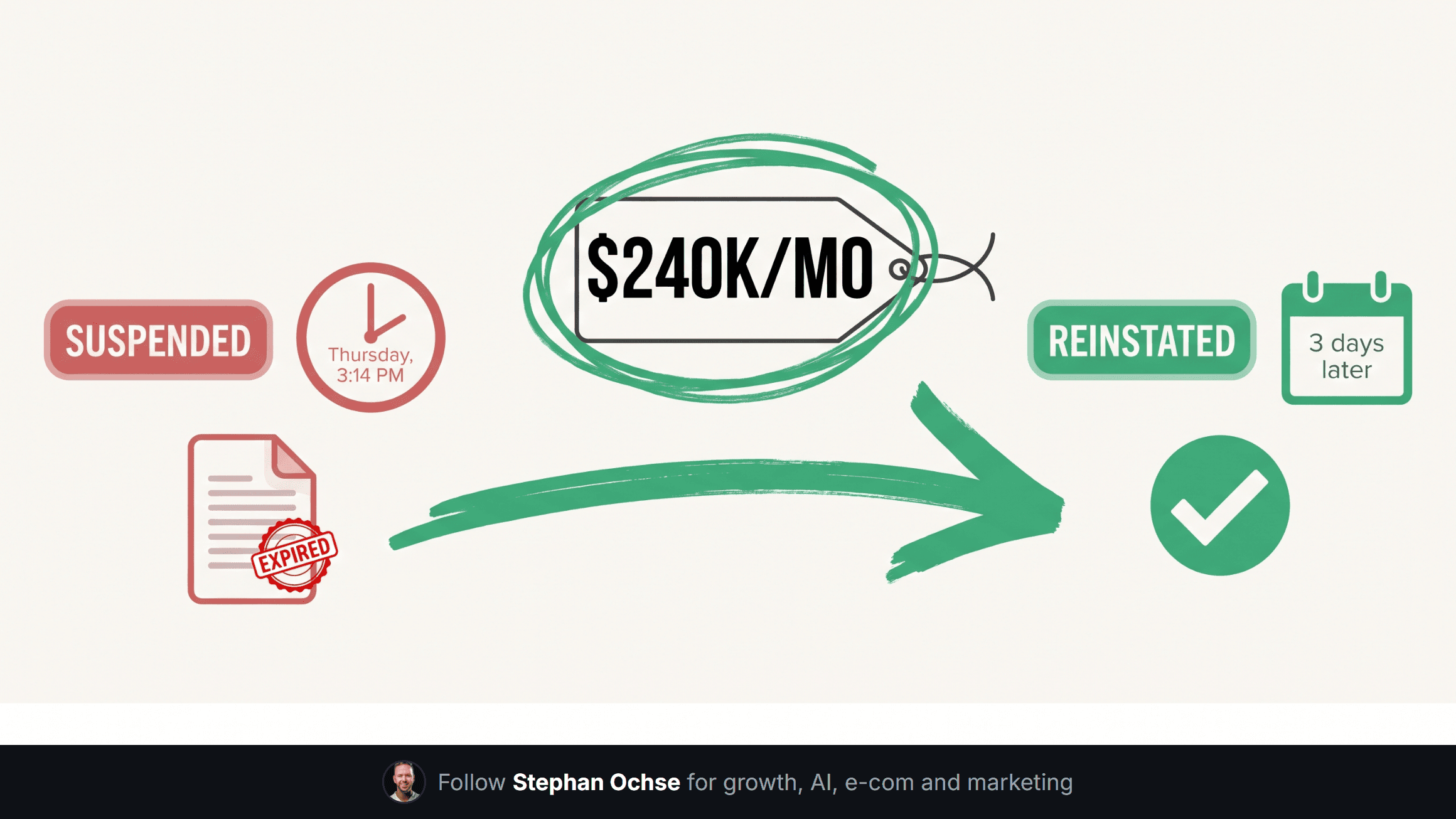
Google suspended a $240k/month account on a Thursday afternoon. This is the 24-hour playbook that got it back in 3 days.
Stephan Ochse ·
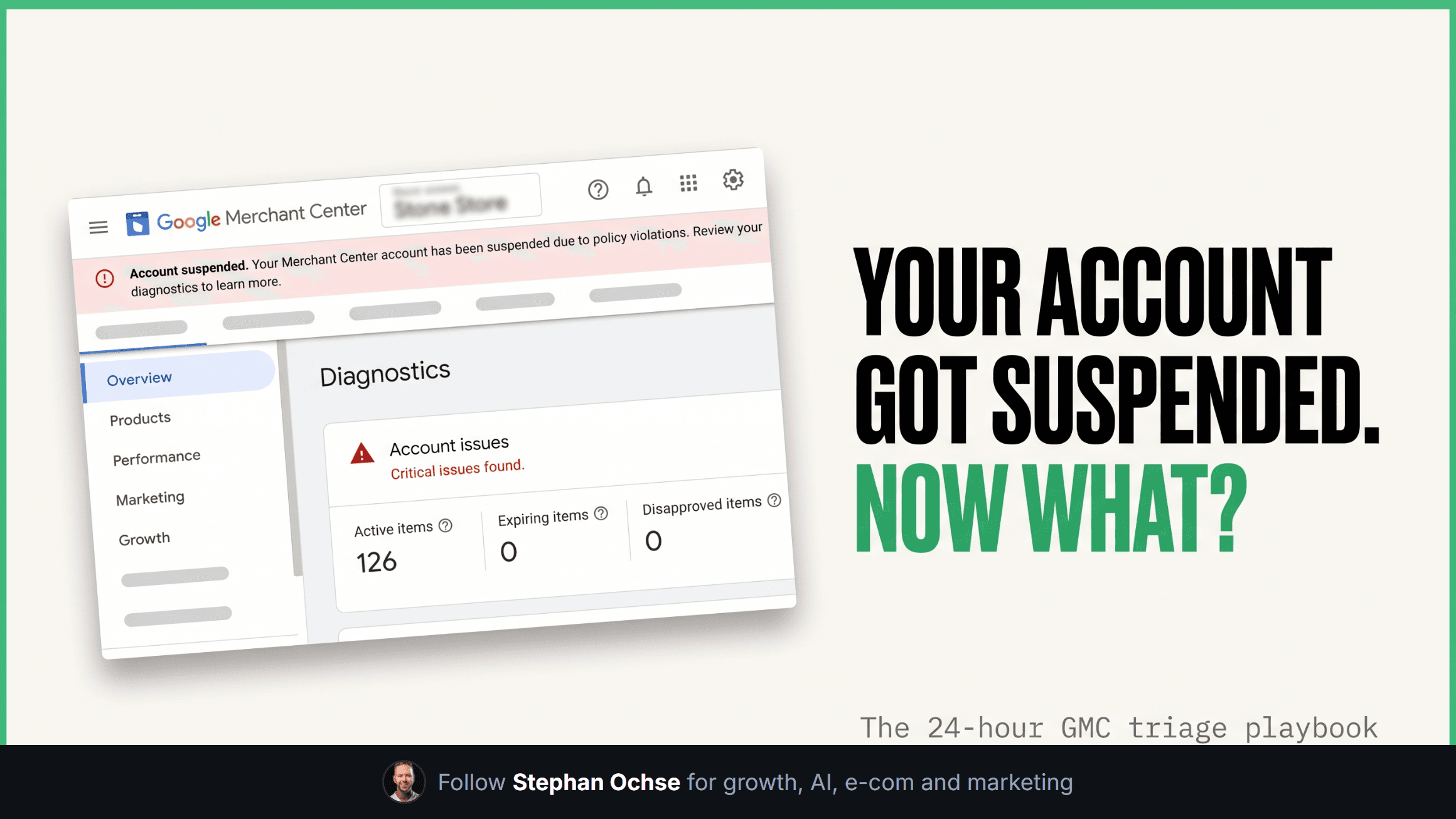
3:14pm on a Thursday, a client texts me one line: "Google just shut off our whole feed." No warning, no gradual throttle. A red banner across Merchant Center, every product delisted. That account was doing $240k a month through Shopping and PMax. I've run this exact fire drill more than a dozen times across the 100+ accounts we manage, and almost every time, the brand's first move makes things worse.
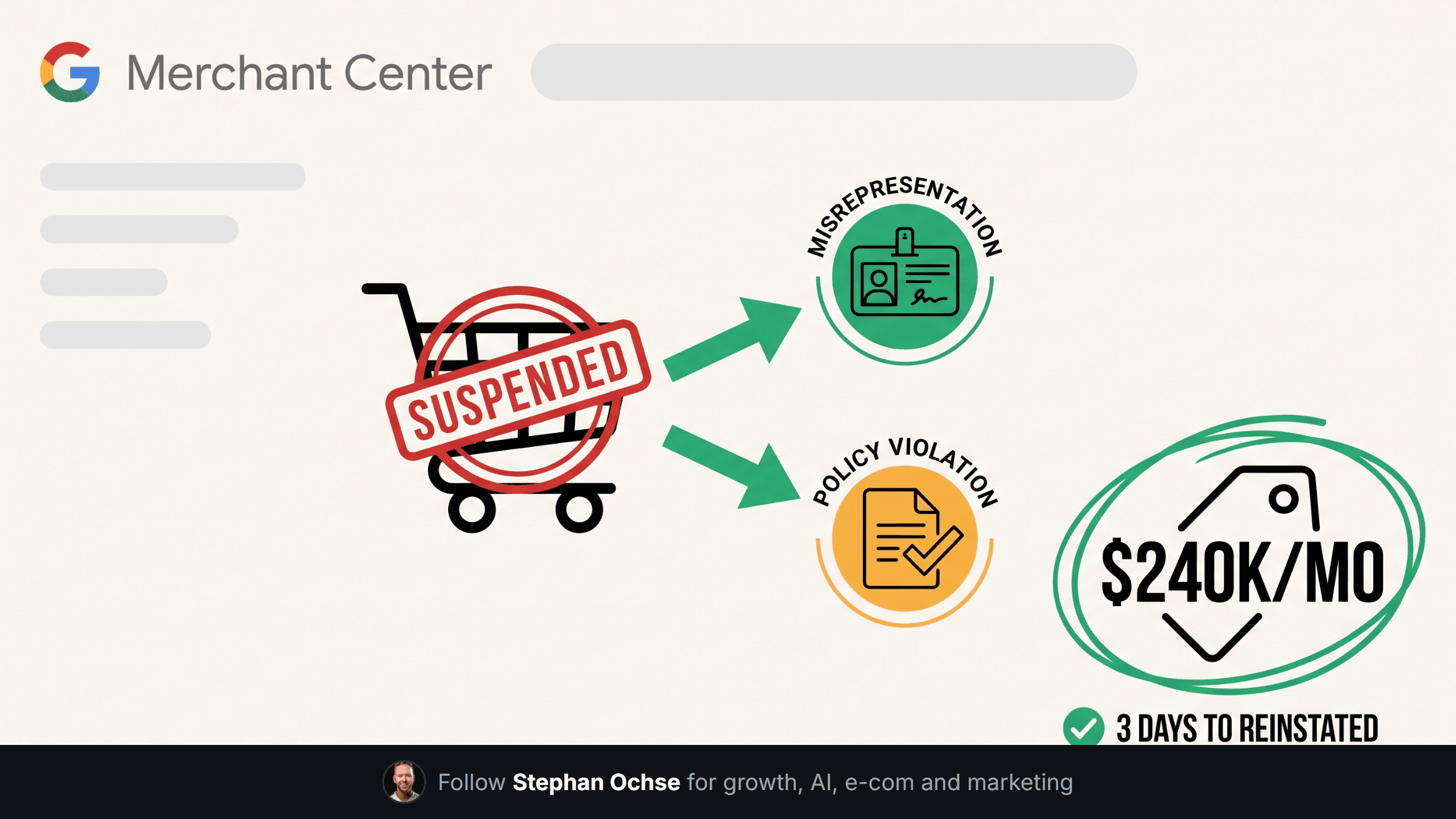
First, understand this: Google Merchant Center doesn't suspend accounts for one reason. It suspends them for two very different reasons that look identical on the surface and require opposite responses.
**Misrepresentation vs policy violation, and why the difference matters more than anything else**
A policy violation means a specific product or a specific practice broke a specific rule. Wrong pricing on the landing page versus the feed. Missing return policy. A prohibited product category. These are fixable in hours because you can point at the exact line item.
Misrepresentation is a different animal. Google's algorithm decided your business itself looks untrustworthy: mismatched business information, a domain that doesn't match your Google account, checkout that doesn't match your ads, or signals that look like a scam pattern to their trust model. You can fix every policy issue on the page and still stay suspended, because a misrepresentation flag punishes the business's identity, not its product page.
I've seen brands spend three weeks fixing return policy language on a misrepresentation suspension. Zero effect. The suspension notice tells you almost nothing about which bucket you're in, which is why step one in any triage is never the product feed. It's the account.
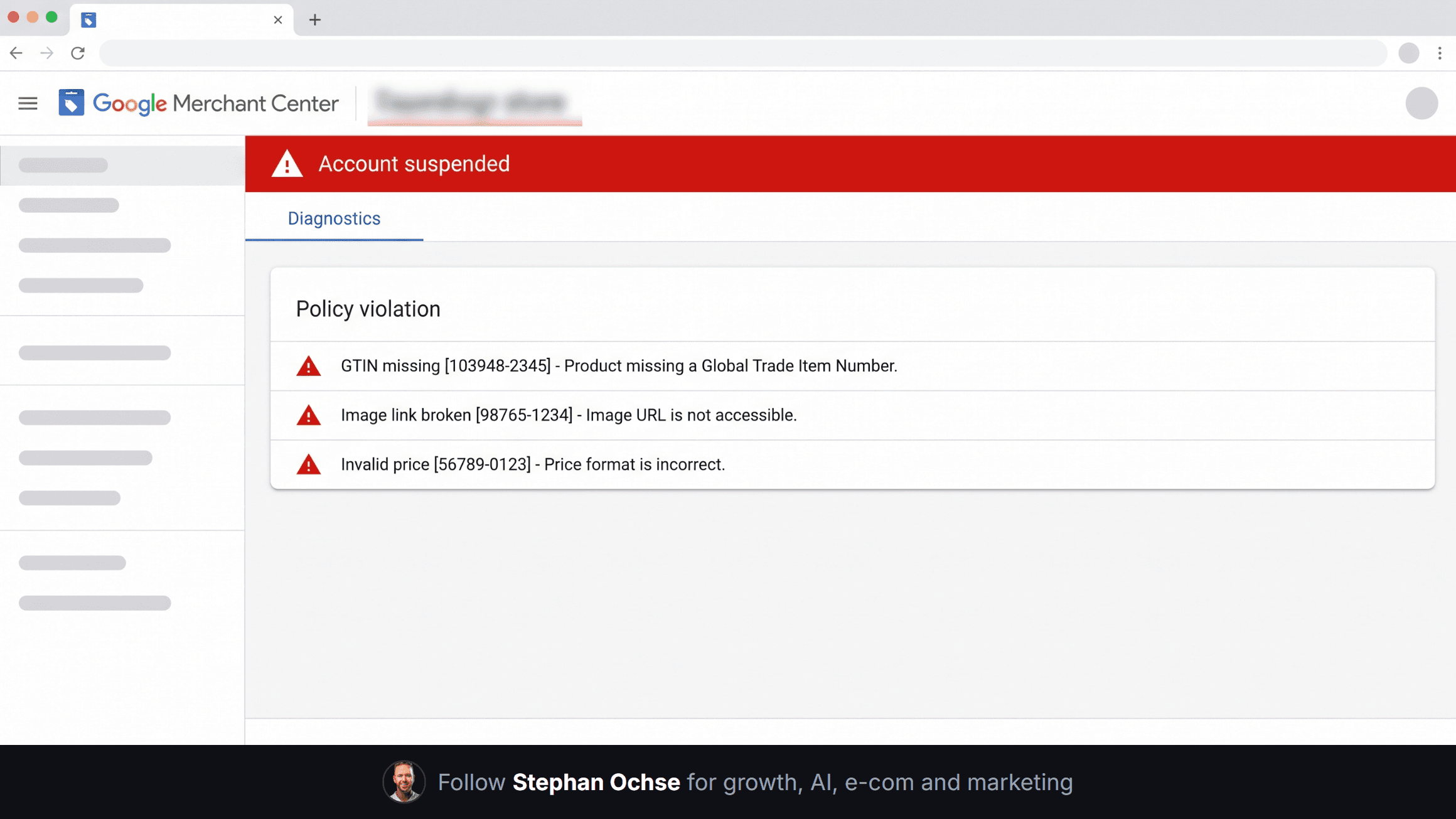
[IMAGE-1: Hyper-realistic screenshot of Google Merchant Center's actual UI, showing the Diagnostics tab with a red "Account suspended" banner at top, a policy violation panel beneath listing specific issue codes, and the left navigation showing Products, Performance, Growth, Marketing, Apps and Extensions tabs exactly as Merchant Center renders them today, blurred store name in the header]
**The first 24 hours, in order**
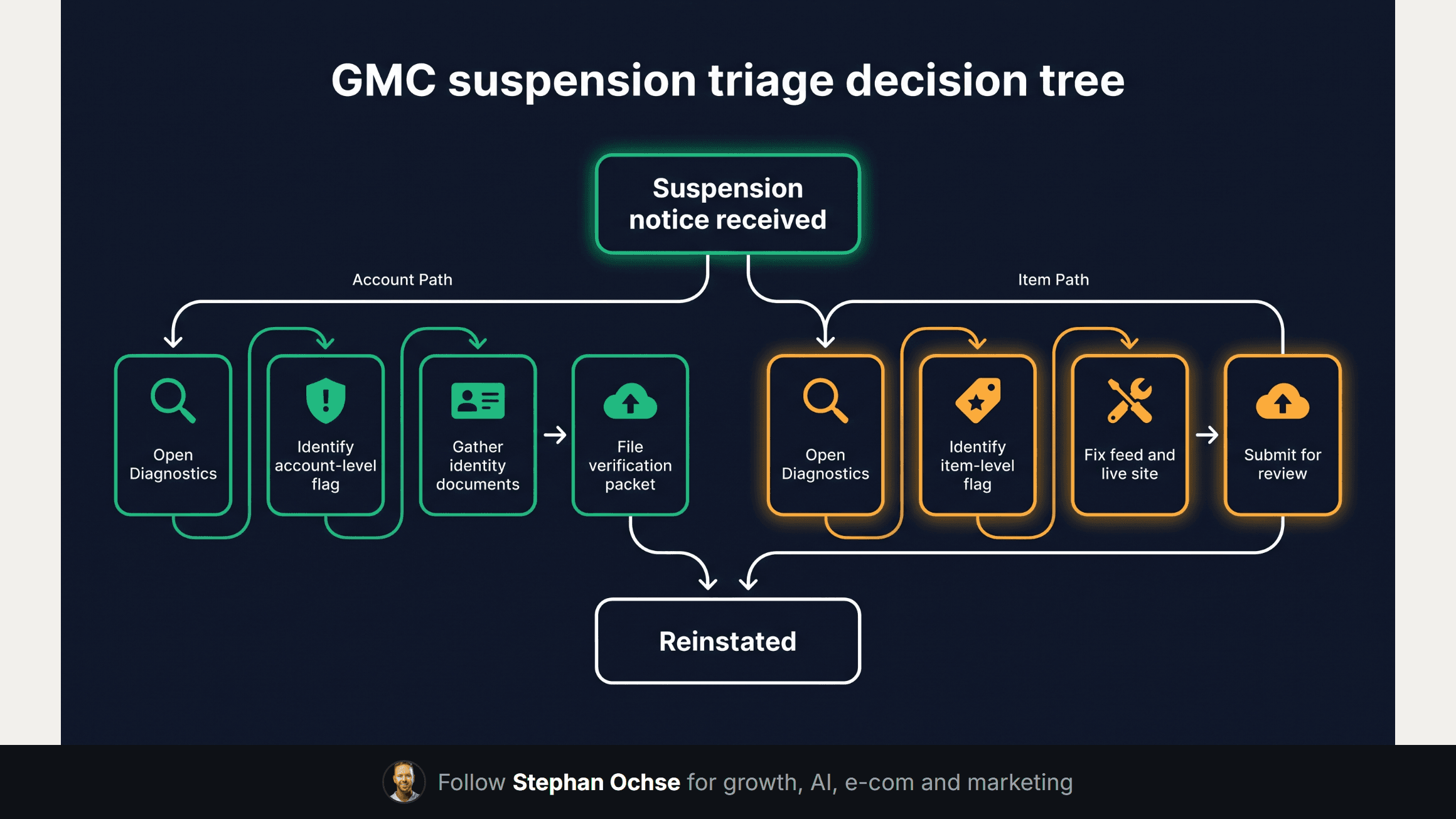
Hour one: open Merchant Center Diagnostics, not the email. The email is a summary. Diagnostics shows you the actual policy codes, and misrepresentation suspensions show up under "Account level issues" while genuine policy violations show up under "Item level issues." That single screen tells you which of the two problems you have before you touch anything else.
Hour two through four: if it's a policy violation, fix the specific flagged issue in both the feed and the live site, because Google's crawler checks both and will re-flag if they don't match. Screenshot the fix with a timestamp before you submit anything.
Hour four through twelve: if it's misrepresentation, this is where most operators panic and start editing random things. Don't. Pull every piece of business verification you have. Business registration, a matching domain WHOIS or at minimum a domain that resolves to the stated business name, a phone number that rings, a physical address that maps to something real, and payment processing that matches the storefront. Misrepresentation reinstatement is an identity-verification problem, not a merchandising one.
Hour twelve through twenty-four: submit the appeal. This is where almost everyone loses reinstatements they should have won.
**The appeal that works**
Most appeals read like a defense. "We didn't do anything wrong, please review again." That gets auto-rejected because it gives the reviewer nothing new to check against.
A working appeal does three things in order: names the exact policy or account issue by its Diagnostics code, shows the specific evidence that resolves it (a screenshot, a document, a corrected URL), and closes with a business-verification packet even if the flag was a straightforward policy violation, because a clean identity file speeds every future review Google runs on that account. I run this appeal drafting with a Claude project that holds every past reinstatement letter we've filed, so each new one starts from what already worked instead of from a blank page.
[IMAGE-2: Dense hyper-realistic flowchart diagram on a dark navy background, titled "GMC suspension triage decision tree," starting from a single hub node labeled "Suspension notice received," branching into two labeled paths "Misrepresentation" and "Policy violation," each path showing 4-5 sequential step boxes with small icons, connected by curved emerald and orange lines, nerdy technical annotation style like a real ops runbook]
On the $240k account, the Diagnostics page showed an account-level misrepresentation flag, triggered because the business's registered address on file had gone stale two years earlier after an office move. A stale field, not a scam or a policy breach. We rebuilt the business verification packet, matched every field across the website footer, the Google Business Profile, and the Merchant Center account settings, and filed within eighteen hours. Reinstated in three days. The brand had already started building a Shopify migration plan assuming they'd lost the account for good. They didn't need it.
That three-day turnaround happened because we didn't waste hour one guessing. I've watched teams burn a full day re-uploading the same feed with cosmetic tweaks, waiting for a reviewer to notice nothing changed. Every hour spent fixing the wrong bucket is an hour the account stays dark, with revenue routing to whatever paid channel is left standing, at a worse ROAS than Shopping was running.
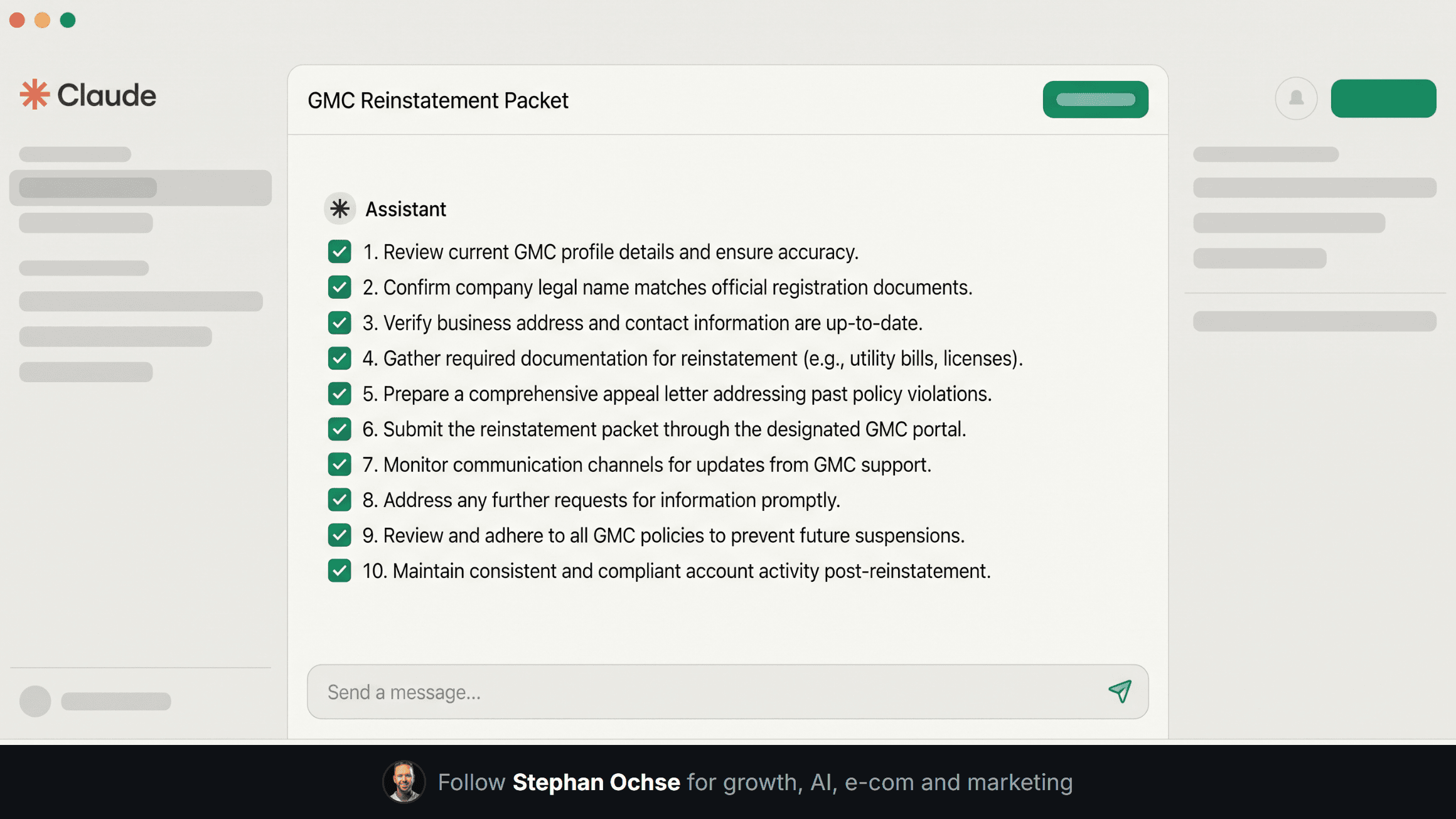
[IMAGE-3: Hyper-realistic screenshot of the Claude desktop app chat interface, showing a conversation thread titled "GMC Reinstatement Packet," with the assistant response visible listing numbered verification items being checked off, clean off-white and emerald UI chrome]
**The checklist that prevents the next one**
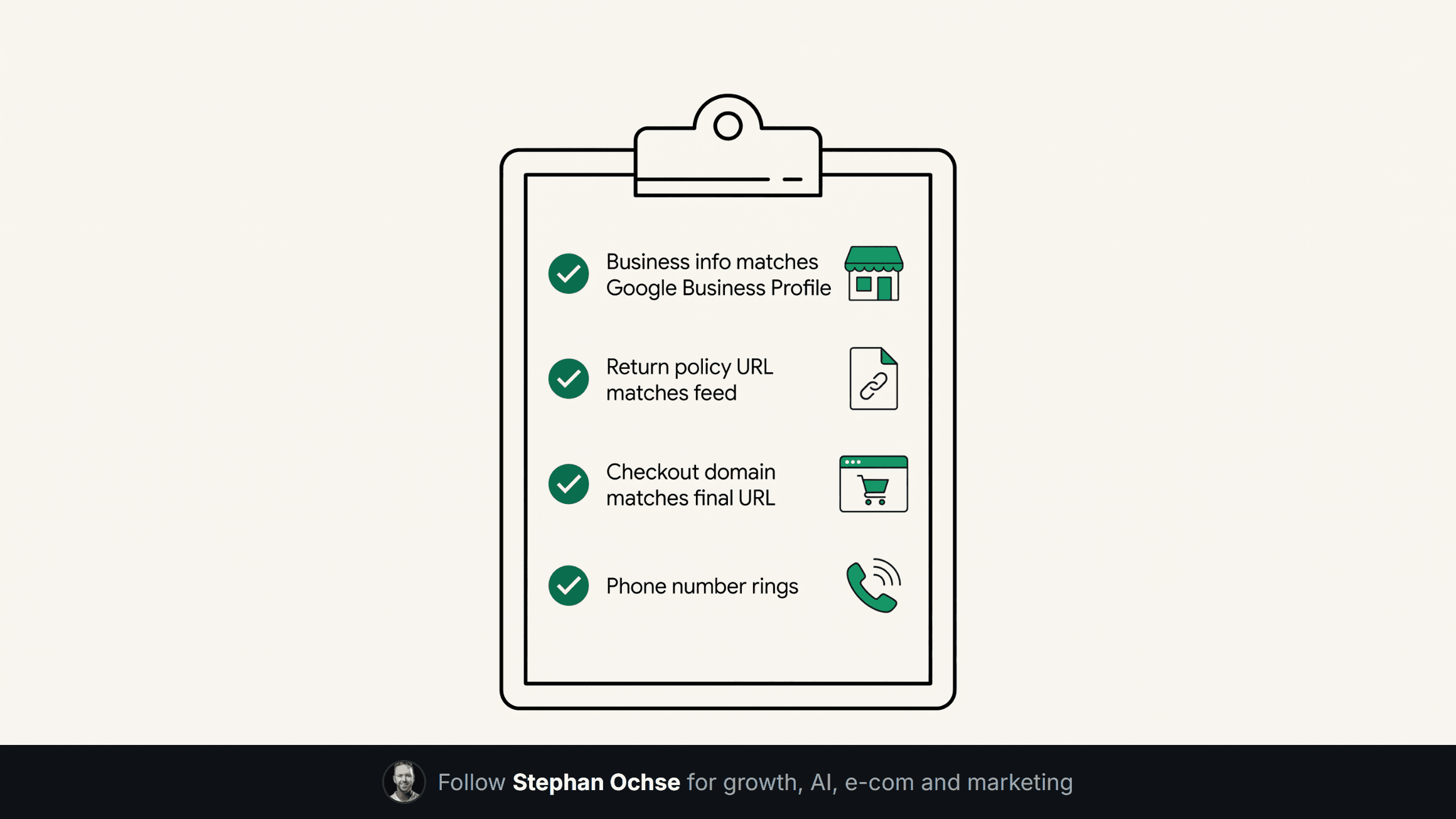
We run every account through a quarterly pass: business info on the website footer matches Google Business Profile matches Merchant Center settings, character for character. Return policy URL loads and matches the feed's stated policy. Checkout domain matches the ad's final URL domain. Phone number rings during business hours. These four checks catch most misrepresentation triggers before Google's trust model ever flags them.
Suspensions aren't random. They're pattern matches against a trust model that doesn't care how good your product is. Reading the right signal in the first hour is what separates a three-day fix from a three-week one.
One more thing: the panic instinct is almost always to appeal fast and appeal often. Google's system flags repeated appeals on the same unresolved issue as a signal of its own, and a rejected appeal filed in a hurry can push a reinstatement out by another week. One correct appeal beats three rushed ones every time.
Next edition, I'm breaking down the PMax audit checklist we run before ever raising budget on a new account, including the exact query-matching gap that burns 15-20% of spend on branded terms you already own, unnoticed.
If you've been through a suspension and want a second opinion on your Diagnostics page, reply to this email. I read every one.
The suspension playbook, step by step
What to do in the first hour, because what you do in the first hour decides how long this takes.
Read the actual policy cited, not the summary email. The email is generic. The policy page names the specific requirement, and the appeal has to address that requirement rather than the vibe of the email.
Do not appeal immediately. A rejected appeal makes the second one harder and there is no counter that resets. Fix first, appeal once, with evidence.
Screenshot everything before you change it. You will need to show what it looked like and what it looks like now.
Check the whole account, not the flagged item. Suspensions are usually triggered by one thing and sustained by five others that a reviewer will find the moment they look.
The four things that cause most of them
Missing or inconsistent business information. Address, phone, returns policy and contact details that do not match between the site, the feed and the account.
Checkout that a reviewer cannot complete. If they cannot reach a working checkout in a test session, nothing else matters.
Misrepresentation. Prices that differ between feed and site, availability that is wrong, shipping costs that appear only at the last step.
Untrusted-store signals. No visible policies, no verifiable contact route, a domain registered recently with no trading history.
How to not be here again
Run the reviewer's journey yourself once a quarter, in an incognito window, from an ad click to a completed test order. Most suspensions are visible from that journey weeks before they happen.
Keep the policy pages boringly complete: returns, shipping, contact, terms, all reachable in two clicks from any product page.
Treat the feed and the site as one artefact that must agree. Almost every misrepresentation flag is a sync problem, not a dishonesty problem, and it is entirely preventable.